The WordPress AI Website Builder is designed for people who want a real WordPress website without starting from a blank screen. Instead of choosing a theme, writing every page and arranging every section manually, you describe the site you want and let AI create the first version.
That sounds simple, but the important question is not whether AI can create a homepage in a few minutes. The better question is whether the result is useful, editable, search-friendly and flexible enough for a real business, portfolio, blog or service website.
This guide explains how the WordPress.com AI Website Builder works, what it can create, who should use it, where it still needs human editing and how to prepare an AI-built website for SEO before launch.
Table of Contents
What Is the WordPress AI Website Builder?
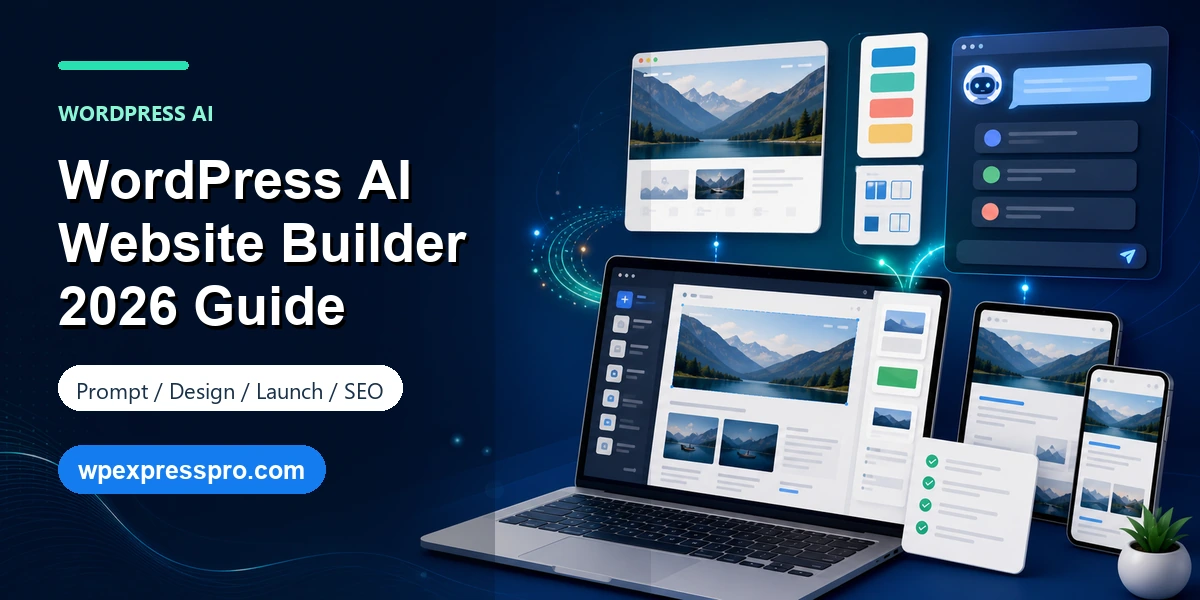
The WordPress AI Website Builder is a WordPress.com tool that uses conversational prompts to generate a ready-to-edit WordPress website. The official product page describes the workflow as prompting, editing and deploying WordPress websites with AI. In practice, you give the builder a short description of the website you want, then it generates a starting design, layout, content and images.
This is different from a normal template library. A template gives you a fixed design to customize. An AI website builder uses your description to create a more personalized first draft. You might ask for a coaching business website, bakery site, portfolio, travel blog, nonprofit site or marketing agency homepage, and the builder turns that idea into a website structure you can continue editing.
The key advantage is speed. Instead of spending hours choosing a design direction, creating pages and writing placeholder copy, you get a site foundation quickly. The key risk is the same as with most AI content: the first version may look polished while still needing brand, SEO, accuracy and conversion review.
How the WordPress AI Website Builder Works
The workflow starts with a prompt. WordPress.com recommends being specific about the site name, business type, style, content and goals. A weak prompt such as “make a business website” may produce a generic result. A stronger prompt describes the audience, services, tone, color direction, pages needed and calls to action.
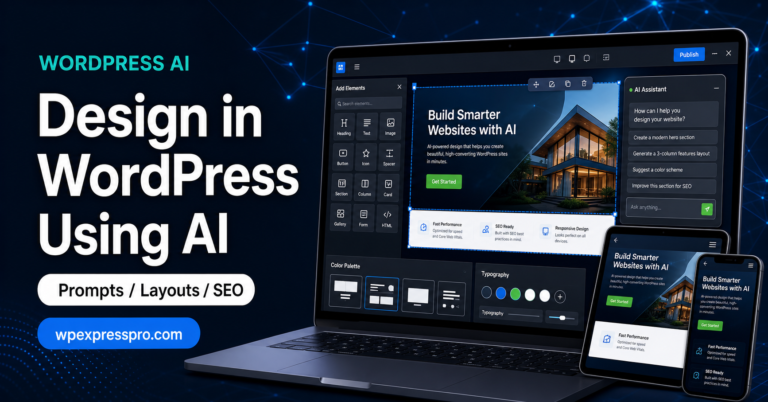
After the first draft is generated, you can edit the website manually or continue asking the AI for changes. WordPress.com says users can customize templates, color palettes, design elements, layouts and content. That makes the AI builder more like an assisted starting point than a one-click final product.
Once the site exists, WordPress.com also offers AI tools inside the editor and Media Library. The WordPress AI Assistant can help with content editing, page structure, style adjustments, images and ongoing changes, depending on the site, theme and plan. That matters because most websites need updates after launch.
- Describe the site idea in plain language.
- Let AI generate the first version of the WordPress.com site.
- Review the pages, copy, images, colors and layout.
- Edit manually in the block editor or request changes through chat.
- Connect a domain, choose the right plan and launch when ready.
What the AI Builder Can Create
The builder is best suited for common website types where a fast, polished structure is useful. That includes portfolios, personal sites, blogs, service business websites, coaching websites, creative studios, local business sites, nonprofit pages and simple landing pages.
According to WordPress.com, the AI Website Builder can generate complete pages, brand-matched copy, images and a custom color palette from a prompt. The website builder FAQ also says the tool can create mobile-friendly and SEO-friendly layouts, which should be understood as a starting point rather than a guarantee of finished SEO performance.
| Website type | Good fit? | Human review needed |
|---|---|---|
| Portfolio | Yes | Replace sample work, refine bio, add case studies and contact paths. |
| Small business site | Yes | Check services, pricing language, trust signals, local SEO and calls to action. |
| Blog | Yes | Build a topic plan, categories, author voice and internal linking strategy. |
| Landing page | Yes | Test headline, offer, form placement, proof and conversion copy. |
| Online store | Partial | WooCommerce setup, products, payment, shipping, tax and policies need careful work. |
| Complex membership or marketplace | Limited | Requires plugin planning, architecture, permissions and custom configuration. |
Who Should Use It?
The WordPress AI Website Builder is strongest for beginners, solo founders, freelancers, small business owners and creators who need a professional starting point quickly. It is especially useful when the hardest part is getting from idea to first draft.
It can also help agencies during early concept work. For example, an agency can use AI-generated layouts to explore direction, then rebuild or refine the final site with a stronger content strategy, custom branding and SEO work. The AI draft should not replace discovery, positioning or conversion planning, but it can shorten the blank-page phase.
It is less ideal when the website requires complex ecommerce logic, custom database workflows, heavy integrations, advanced multilingual architecture or strict brand governance. In those cases, AI can still help with outlines and page drafts, but the implementation should be planned carefully before launch.
Free and Paid Details
The official WordPress.com AI Website Builder page says users can try the builder for free through a free trial flow, with no credit card required. The website builder page also says the AI builder is available on all WordPress.com plans at no additional cost.
There are still practical paid-plan decisions. WordPress.com’s launch post noted that users could start with free prompts, then use a hosting plan to launch and keep working with the AI builder. Paid plans are also where a custom domain, plan-specific storage, plugin access, premium features and business tools become important.
Before launching a business website, review the current WordPress.com pricing page rather than assuming the AI builder alone includes everything you need. A simple portfolio may need only a lighter plan. A site that needs plugins, ecommerce, advanced SEO tools, analytics integrations or developer access may need a higher plan.
SEO Checklist Before Launch
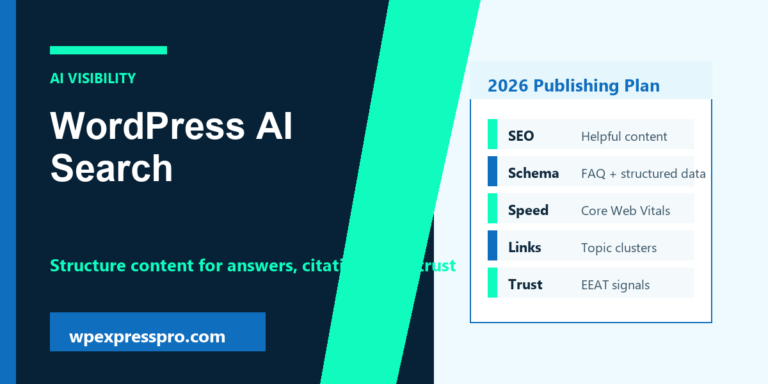
An AI-generated site can give you a strong starting layout, but SEO still needs human judgment. Search engines do not rank a site because it was generated quickly. They evaluate usefulness, relevance, crawlability, structure, authority and user experience.
- Rewrite the homepage title: make sure it says what you do, who you help and why it matters.
- Check every H1 and H2: avoid vague headings like “Welcome” or “Our Solutions” when a specific keyword would be clearer.
- Write unique meta descriptions: summarize the page promise in natural language and avoid duplicated AI copy.
- Replace generic images: add real product, team, work, location or brand images when possible.
- Add image alt text: describe meaningful images clearly instead of stuffing keywords.
- Create internal links: connect homepage, service pages, blog posts, contact page and important category pages.
- Verify local details: check address, phone, service area, hours and business name consistency for local SEO.
- Install or configure SEO tools: use Rank Math, WordPress.com SEO tools or another suitable workflow depending on the plan and setup.
- Review facts: AI-generated copy may sound confident even when details are not correct.
For best results, treat the AI site like a first draft from a junior designer and copywriter: useful, fast and impressive, but still needing a final editorial and SEO pass.
Limits to Know Before You Use It
The main limitation is that AI does not truly know your business. It can infer a good structure from your prompt, but it does not automatically know your best customers, real differentiators, legal requirements, pricing, proof, offers, policies or search strategy.
Another limitation is prompt quality. A detailed prompt produces a better starting point. Include the business name, audience, location, services, tone, preferred pages, visual style, must-have sections and examples of what should not appear. The builder can only respond to the direction you provide.
Finally, ecommerce and complex functionality should be planned separately. WordPress.com’s FAQ says ecommerce was not the initial focus of the AI builder, though ecommerce features can be added with plugins such as WooCommerce. That means a store owner still needs product structure, payment settings, shipping rules, tax settings and conversion testing.
WordPress.com AI Builder vs Self-Hosted WordPress
The WordPress AI Website Builder discussed here is a WordPress.com product. That distinction matters. WordPress.com gives you managed hosting, a guided site creation flow and integrated AI tools. Self-hosted WordPress.org gives you more hosting freedom, but you need to choose hosting, install WordPress, manage performance and select your own AI builder, theme or page builder workflow.
For beginners, WordPress.com is easier because the hosting, editor and AI workflow are connected. For agencies or advanced site owners, self-hosted WordPress can offer more control over the stack, plugins, custom development and server-level optimization. Neither is automatically better. The right choice depends on skill level, budget, flexibility needs and long-term growth plans.
A sensible path is to use WordPress.com AI Builder when speed and simplicity matter most. Choose self-hosted WordPress when you already know you need custom infrastructure, unusual plugins, advanced integrations or a fully controlled development workflow.
FAQ: WordPress AI Website Builder
Is the WordPress AI Website Builder free?
WordPress.com lets users start with the AI builder and create the foundation of a site through its free trial flow. To go live with the full benefits of WordPress.com, you should review the current Personal, Premium, Business or Commerce plan options before launch.
Is an AI-built WordPress site good for SEO?
It can be a good starting point, but SEO still needs human review. Check page titles, headings, meta descriptions, image alt text, internal links, search intent and factual accuracy before publishing.
Can I install plugins on an AI-built WordPress.com site?
WordPress.com says AI-generated sites are still WordPress.com sites and can be expanded with plugins on paid plans. Always check the current plan comparison because plugin access and advanced developer tools can vary by plan.
Can the AI Website Builder create an online store?
The official FAQ says the builder is focused on blogs, portfolios and service-based websites at launch. Ecommerce can be added with tools such as WooCommerce, but a store still needs careful setup for products, payments, shipping, taxes and policies.
Final Takeaway
The WordPress AI Website Builder is a strong option for getting a WordPress.com website started quickly. It can turn a plain-language idea into pages, layout, copy, images and a design direction in minutes. That is valuable for beginners, small businesses and creators who need momentum.
The smartest approach is to use AI for the first draft, then use human judgment for strategy. Refine the copy, check the SEO, add real brand proof, improve calls to action and make sure every page answers a real visitor need. AI can build the foundation, but your positioning, trust and content quality still decide whether the website performs.
Sources checked: WordPress.com AI Website Builder, WordPress.com AI Website Builder launch post, WordPress.com Website Builder page, WordPress.com AI tools support documentation and WordPress AI Assistant announcement.